
Hilea SpurenRemove metadata and share
Remove metadata from photos, videos, PDF and Office files. With a check report.
Coming soon to the App Store and Google Play
A look inside.
Features.
For the phone photo in an online listing that shouldn’t give away the location, and for documents from law firms, HR departments, newsrooms or clubs.
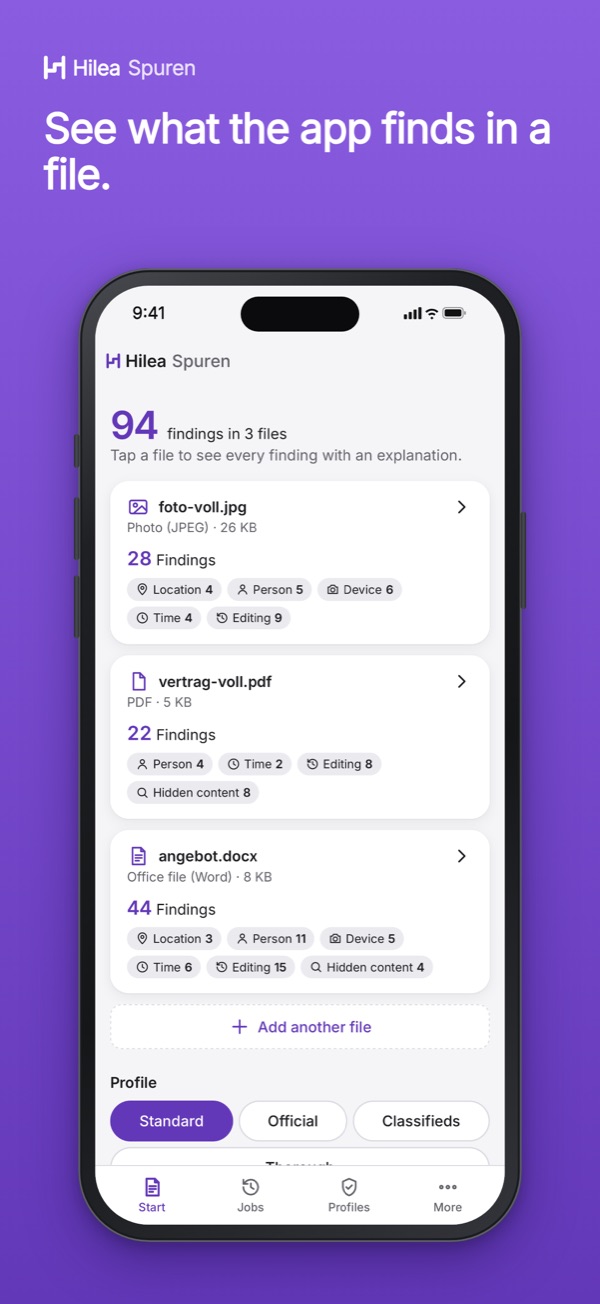
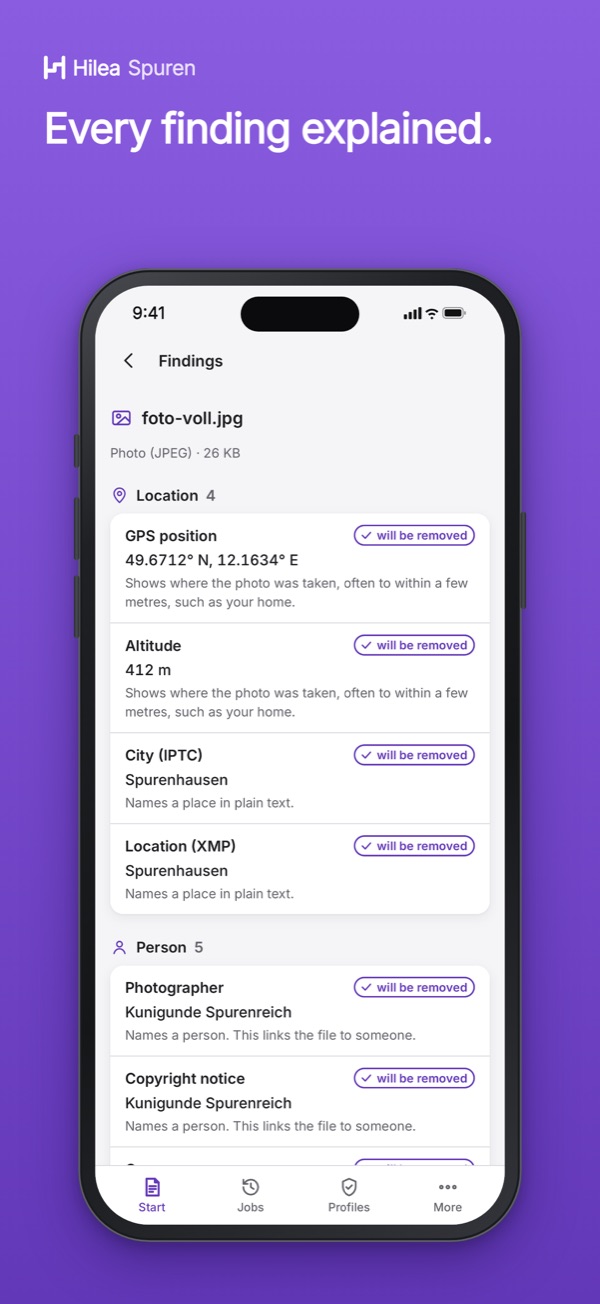
- Shows what photos, videos, PDF and Office files give away about you, sorted by group
- Removes the details the app knows on your device and writes a clean copy
- Photos: GPS location, camera, serial numbers, capture time, edit history, thumbnails
- PDFs are rewritten without author, annotations, form data, attachments and scripts
- Word, Excel, PowerPoint: author, company, comments; the app reports hidden content
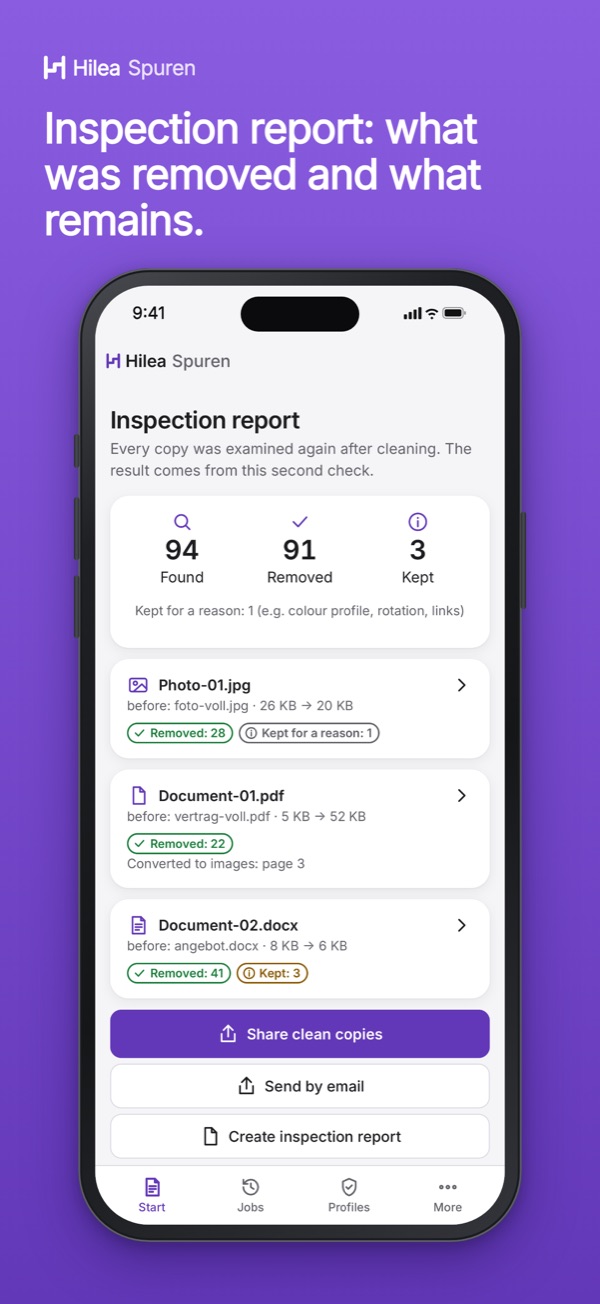
- Check report as PDF: what was found, what was removed and what remains
At launch: checking and cleaning photos and videos works without a purchase, and so does checking documents; you clean your first three documents without a purchase, with a check report.
Questions and answers.
How do I remove the location from a phone photo?
Open the photo in Hilea Spuren or share it to Spuren from another app. The app shows GPS location, camera and capture time and writes a copy without these details; the original stays unchanged. In the Standard and Official profiles, image and quality stay the same.
How do I remove metadata from Word or PDF files?
Hilea Spuren rewrites a PDF completely, without author, programs, annotations, form data, attachments and scripts. For Word, Excel and PowerPoint the app removes author, company and comments. It reports tracked changes and hidden text; these are only deleted once you confirm.
Does a file reveal nothing about me afterwards?
Not in every case. No app removes what can be seen in the image or text: faces, street signs, letterheads and writing style remain. The app reports embedded files but does not clean them. The check report is not proof that the file allows no conclusions about you.
Which devices does Hilea Spuren run on?
At launch on iPhone, iPad and Mac with Apple silicon, and on Android devices via Google Play, in German and English. Checking and cleaning happen on your device; Spuren does not upload your files.
More Hilea apps.
Hilea One unlocks Hilea Spuren and the other Hilea apps shown here.