
Hilea PDFScan, sign and translate
Scan, sign, translate. We do not receive your documents.
Coming soon to the App Store and Google Play
A look inside.
Features.
For paper that has to go out as a PDF, such as a contract that goes back signed or a letter in a foreign language.
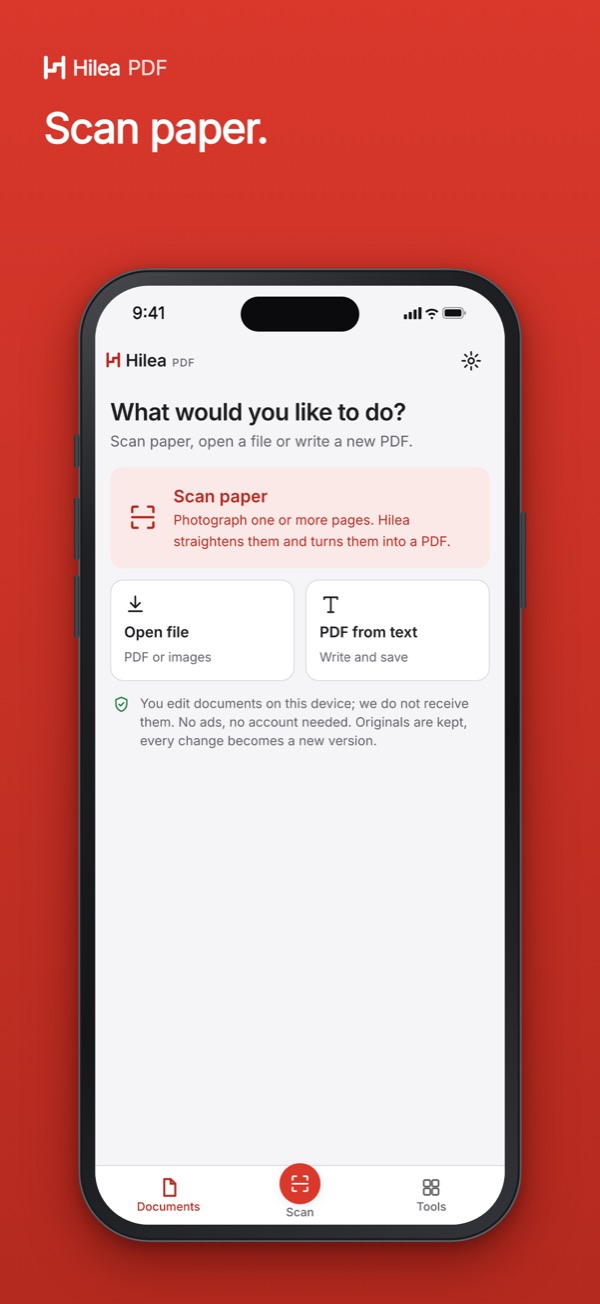
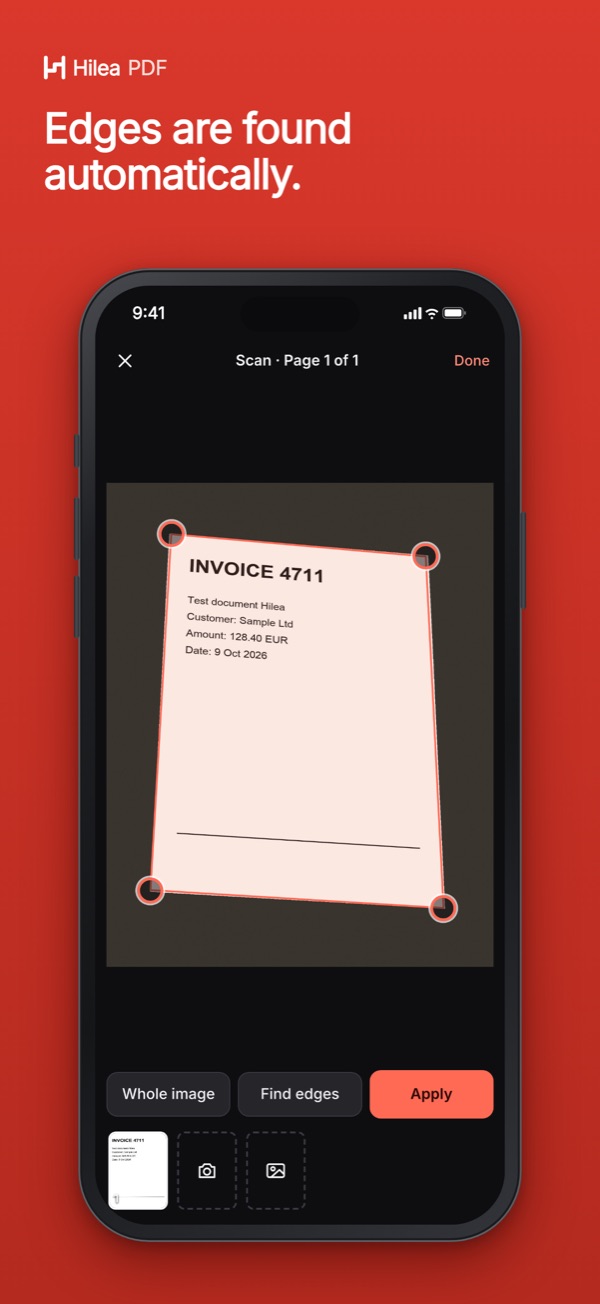
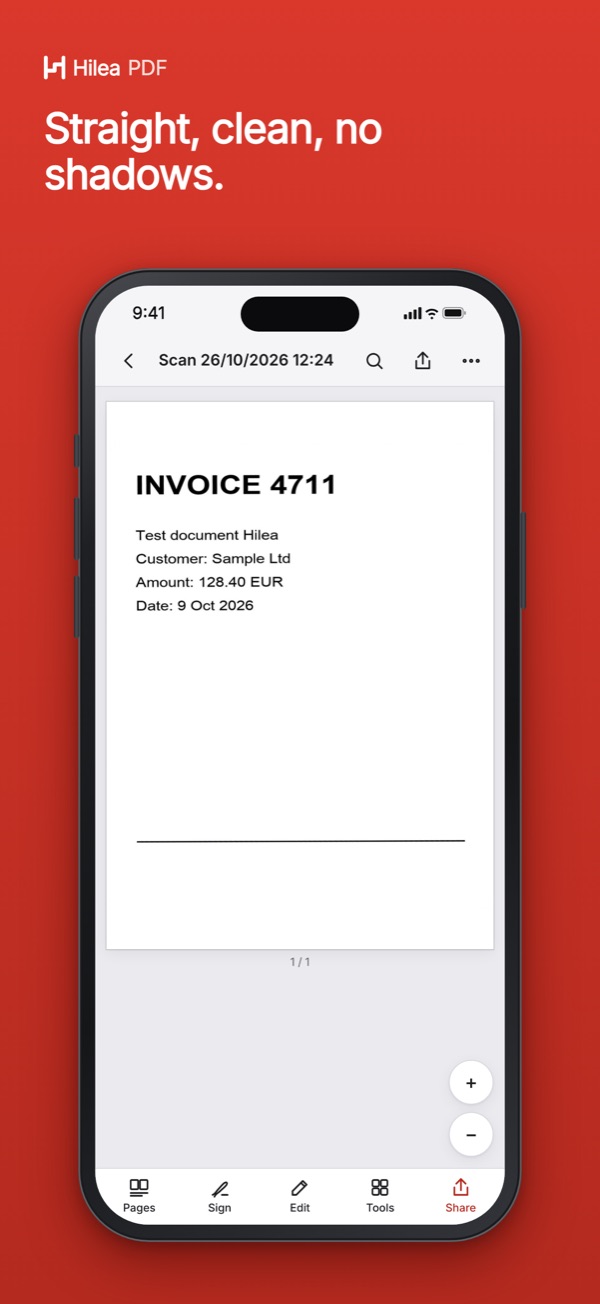
- Scan: find the page edges, straighten the page, make it readable, also ID cards and books
- Sign with your finger, save up to 20 signatures, fill in forms
- Text recognition on the device: scans become searchable, text can be copied
- Translate on the device into 12 languages, optionally with the same page layout
- Edit, redact, organize pages, password (AES-256), PDF/A for archiving
- Export to Word, Excel, PowerPoint, text and images; every change is a new version
At launch: scanning, viewing, organizing pages, sharing, backing up and the exports work without a purchase and with no time limit; you can try the tools five times.
Questions and answers.
Can I scan and sign documents with Hilea PDF?
Yes. The app finds the page edges, straightens the page and makes it readable, including ID cards and books. You sign with your finger; the app saves up to 20 signatures. You can fill in forms from saved details if you like.
Are my documents uploaded?
No. Hilea PDF works on your documents on your device, translation included; the provider does not receive them. The app downloads language packs for translation only after you confirm. You don’t need an account, and there are no ads.
Can Hilea PDF translate a document?
Yes, on the device into 12 languages, optionally with the same page layout or bilingual. It is a machine translation and labeled as such. With Arabic as the target language, the result comes as text only.
Which devices does Hilea PDF run on?
At launch on iPhone, iPad and Mac with Apple silicon, and on Android devices via Google Play, in light and dark mode, with large system text, in German and English.
More Hilea apps.
Hilea One unlocks Hilea PDF and the other Hilea apps shown here.