

Hilea FotoStempelPhotos with date, place, logo
Photos with date, time, location and logo. Defects, damage, handovers: ready-made templates and a PDF report. No account, no ads. In-app purchases.
Coming soon to the App Store and Google Play
A look inside.
Features.
For photos where the date and location matter later: construction progress, defects, damage, apartment handovers.
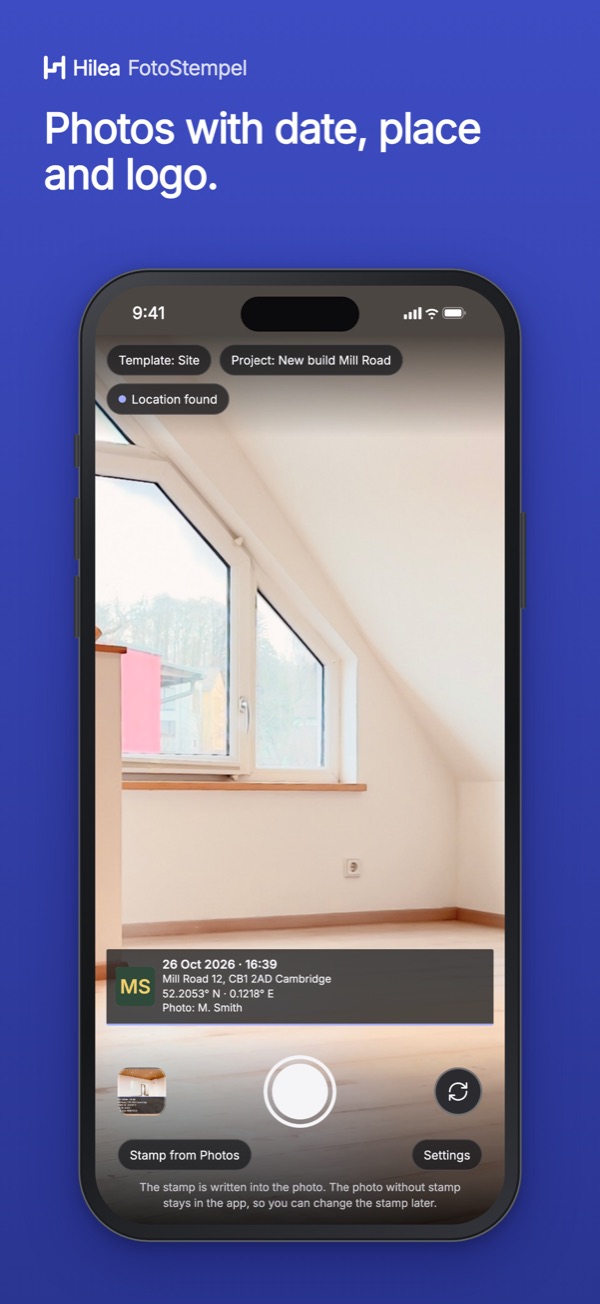
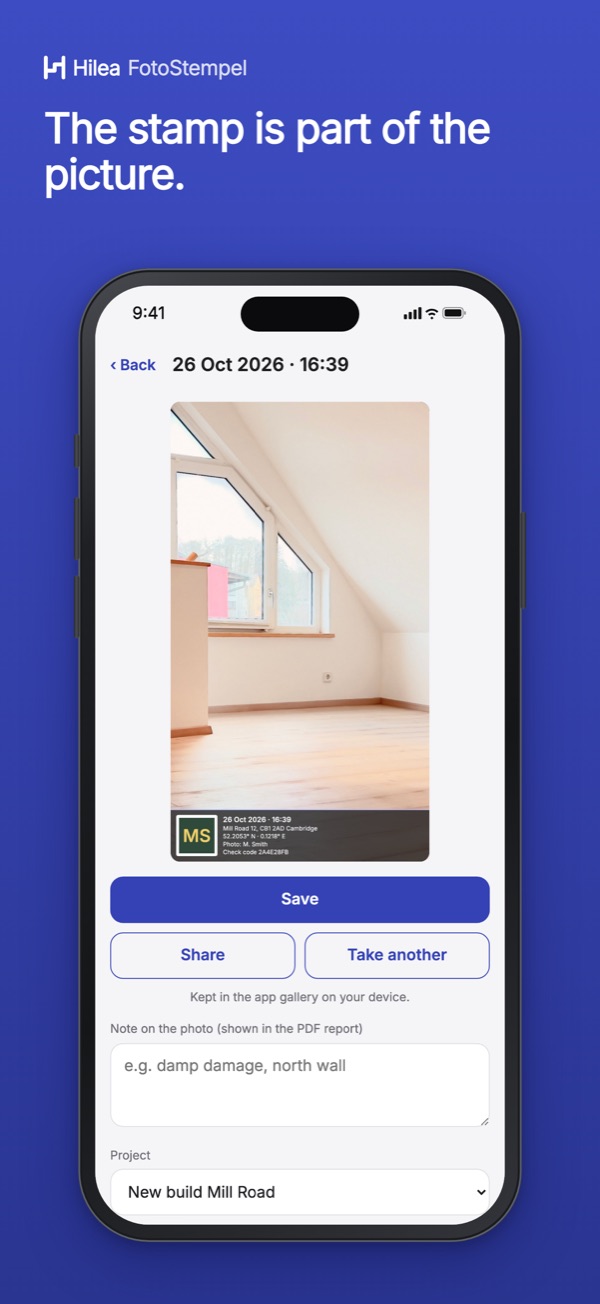
- Stamp photographer, date, time, location, altitude, direction, logo and your own text
- Location as coordinates or address, or switched off entirely
- Four layouts, five templates: defect, damage, handover and move-out, measurement, progress
- The app keeps the photo without the stamp unchanged; you can change the stamp later
- Stamp existing photos, with the capture date from the file
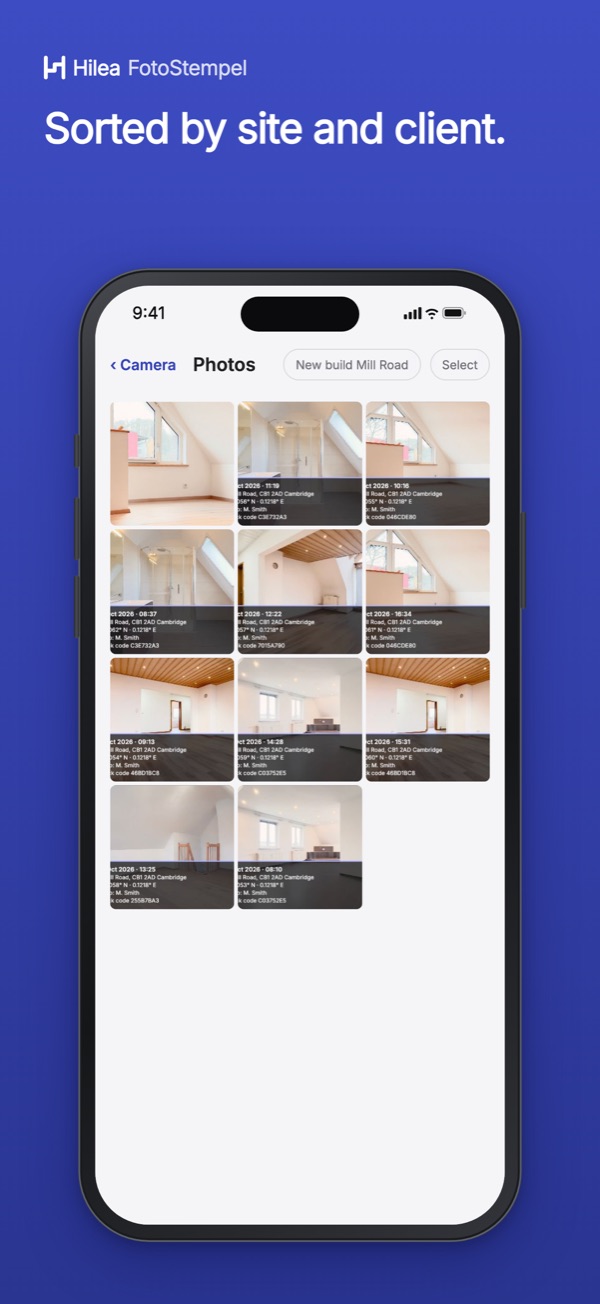
- Sort photos by project, a note per photo, a PDF report from a selection
At launch: taking, stamping, backing up and sharing photos, the PDF report, projects, the ready-made templates and one custom template work without a purchase.
Questions and answers.
How do I add the date and time to a photo?
In Hilea FotoStempel you choose what appears in the photo: date and time, photographer, location as coordinates or address, altitude, direction, your company logo and your own text. The app writes it straight into the image. Existing photos can be stamped too.
Is a stamped photo proof?
The stamp is for documentation and does not replace an expert report or an expert. A check code (SHA-256) in the stamp shows whether the saved file has changed. It is not proof and not a time stamp signature.
Where does Hilea FotoStempel store my photos?
On your device, not with the provider. Whether your device includes them in its own backup is up to your device settings. If you choose “address and coordinates”, the app looks up the address via your system’s map service.
Which devices does Hilea FotoStempel run on?
At launch on iPhone, iPad and Mac with Apple silicon, and on Android devices via Google Play, in German and English, light and dark. You don’t need an account, and there are no ads.
More Hilea apps.
Hilea One unlocks Hilea FotoStempel and the other Hilea apps shown here.